Provider ways of working
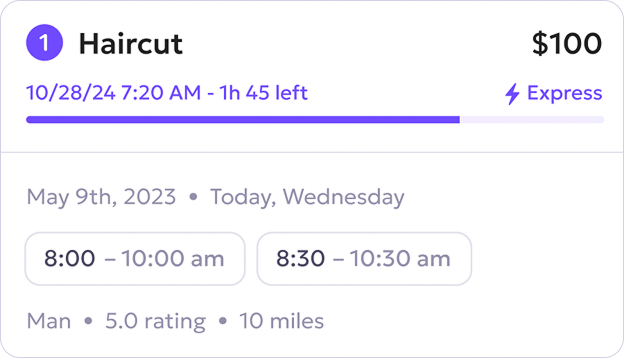
Step 1 -New Request
The new request will appear in the attachly Pro app.
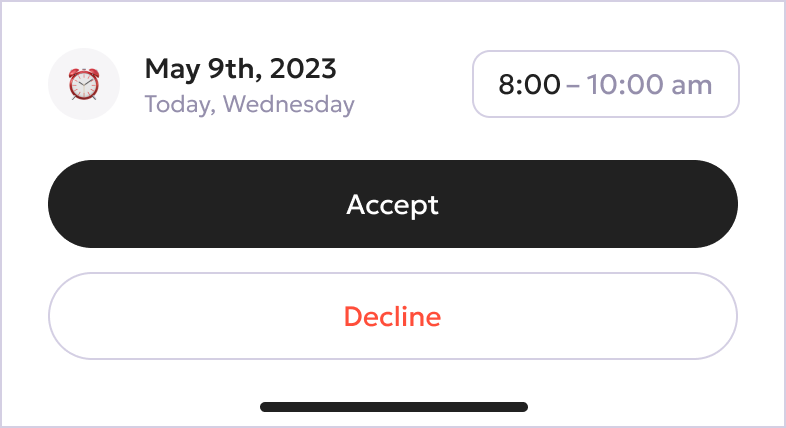
Step 2 - Accept Request
If you are available to accept the request as per your skills, accept it by clicking on the Accept button.
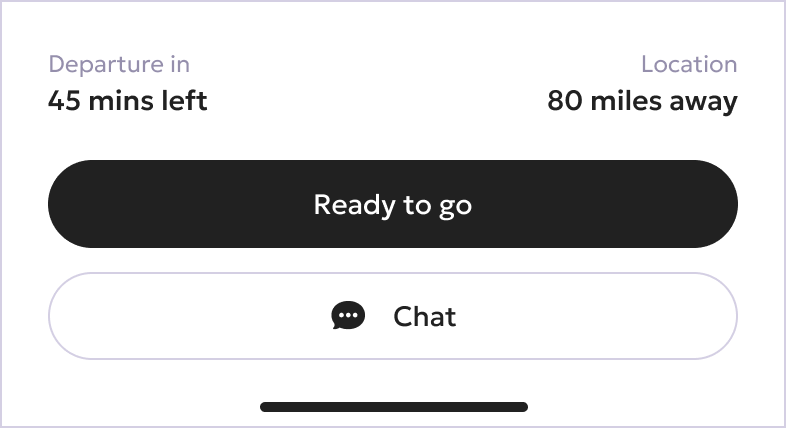
Step 3 - Time To Ride
Very Important - When you are closer to your scheduled booking time, click on the Ready to Go button to notify your customer that you are on the way to them.
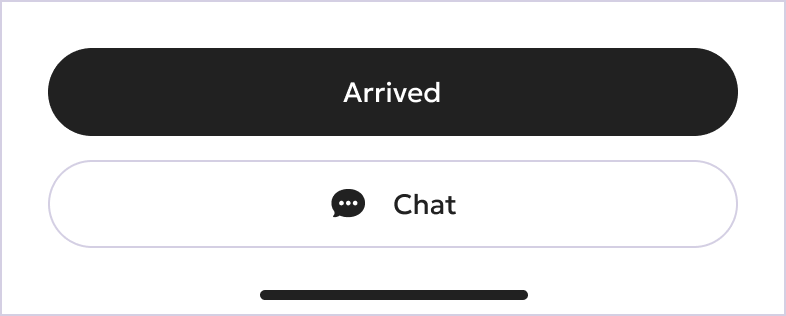
Step 4 - Arrived
When you arrive at the customer location, click on the Arrived button to let the customer know you are at their location.
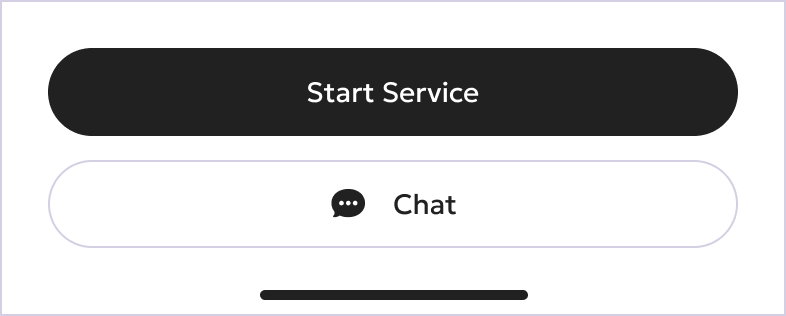
Step 5 - Start the Service
When you are about to start the service, click on the Start Service button.
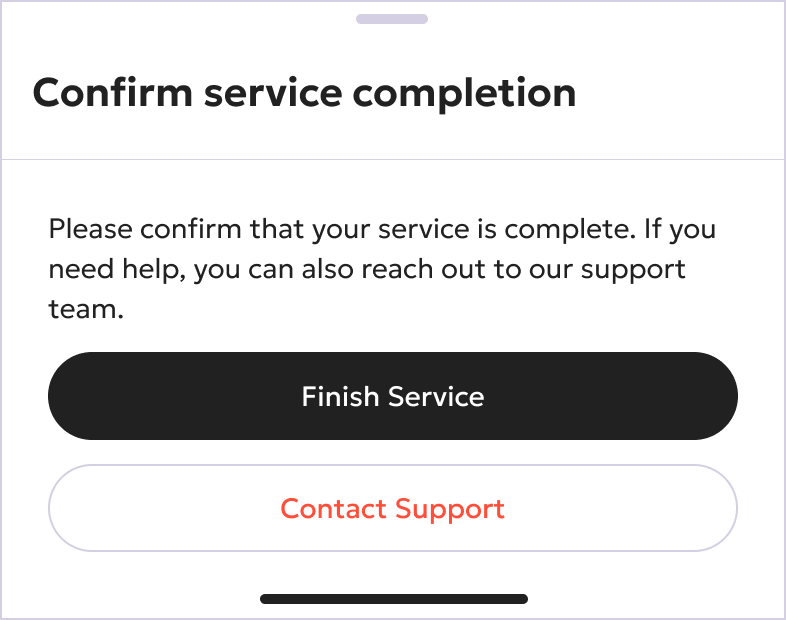
Step 6 - Finish The Service
After you finish service, click on the Finish Service button to ensure your service has been completed to get paid.
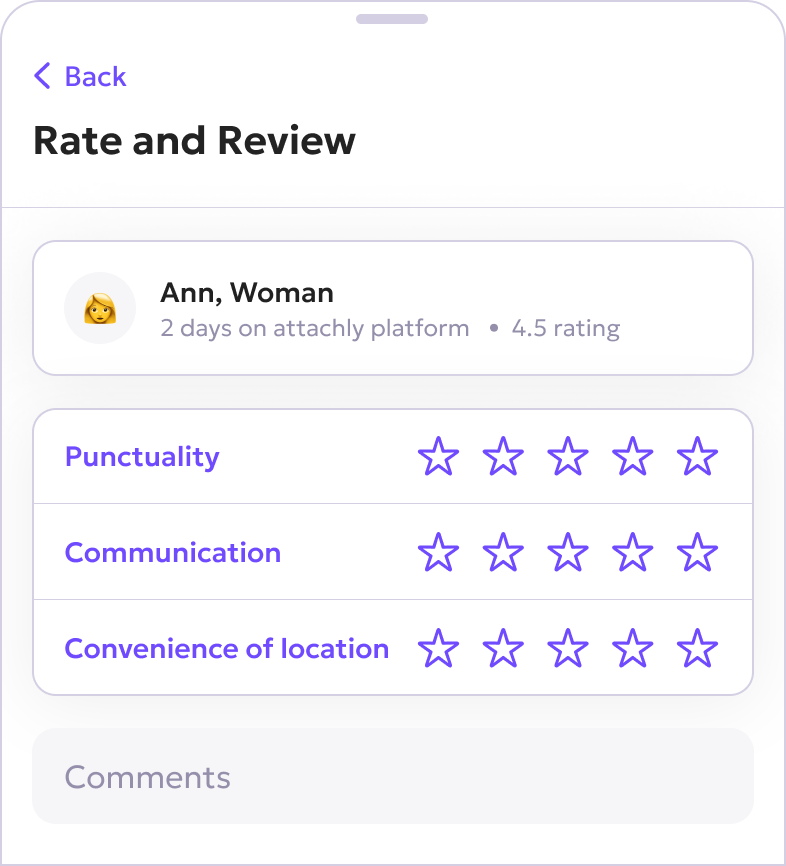
Step 7 - Rate and Review (optional step)
You can rate and review your interactions with the customer within the app only.